Stopwatch
About the Stopwatch
The Stopwatch allows you to measure time.
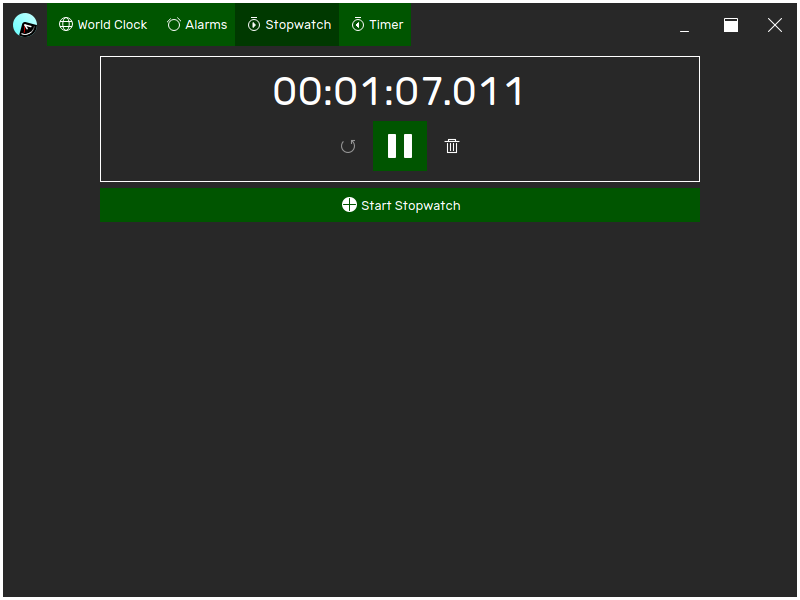
You can start as many stopwatches as you need to, and the stopwatch continues to run even when you exit the24, and even when your device is powered off.
Starting a new stopwatch
To start a new stopwatch, click Start Stopwatch. A new stopwatch will appear and start counting up.
Pausing a stopwatch
To pause a stopwatch, click Pause on the stopwatch you want to pause. The stopwatch will stop counting up, and the elapsed time will be grayed out to indicate that the stopwatch is not running.
Resuming a stopwatch
To resume a stopwatch, click Resume on the stopwatch you want to resume. The stopwatch will begin counting up again, and the elapsed time will appear solid again.
Resetting a stopwatch
To reset a stopwatch, click Reset. The stopwatch will return to 0 seconds.
A stopwatch can only be reset when it is paused.
Removing a stopwatch
To remove a stopwatch, click Remove on the stopwatch you want to remove. The stopwatch will be removed.