Timers
About timers
The Timer alerts you once a specified duration of time has elapsed.
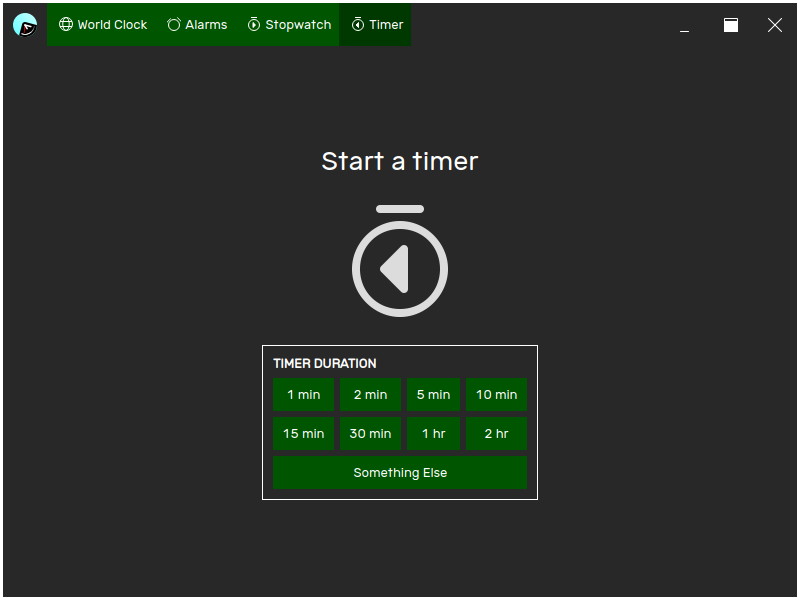
You can set as many timers as you need to, and timers continue to run even when you exit the24, and even when your device is powered off.
If a timer elapses while your device is powered off, they will sound the next time you power on your device.
Setting a timer
If you currently have no timers set, you can quickly set a timer by selecting a preset duration. the24 will start counting down from the duration that you select, and the progress of the timer will be shown.
If the duration you want to set the timer for is not listed, select Something Else to open the Add Timer dialog.
If a timer is already running, select Add Timer to open the Add Timer dialog.
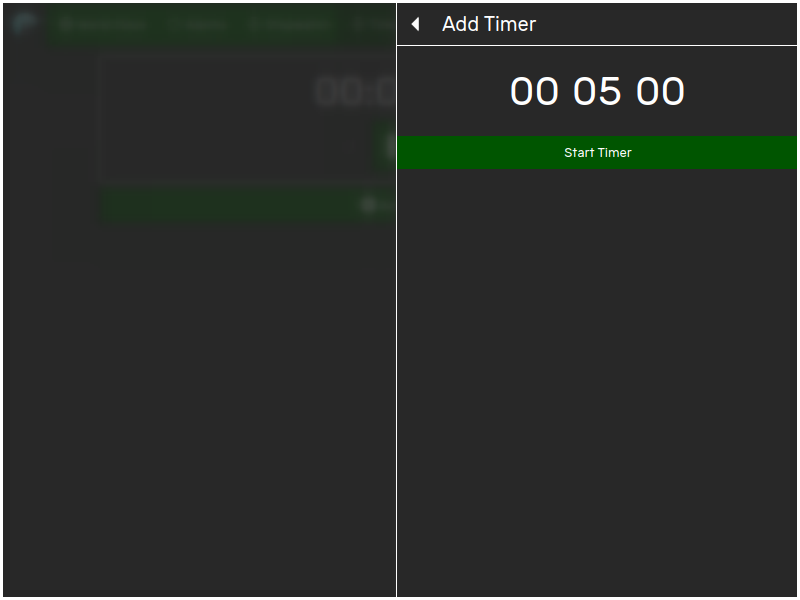
Set the amount of time you want to run the timer for, and then click Start Timer. the24 will start counting down from the duration that you select, and the progress of the timer will be shown.
When it's time for the timer
When it's time for the timer to sound, a notification will appear and an audible tone will be played.

Dismiss the timer to stop the tone. The timer is automatically reset, and can be started again from the beginning when required.
Pausing a timer
To pause a timer, click Pause on the timer you want to pause. The timer will stop counting down, and the remaining time will be grayed out to indicate that the timer is not running.
Resuming a timer
To resume a timer, click Resume on the timer you want to resume. The stopwatch will begin counting down again, and the remaining time will appear solid again.
Resetting a timer
To reset a timer, click Reset. The timer will return to the duration it was initially set for.
A timer can only be reset when it is paused.
Removing a timer
To remove a timer, click Remove on the timer you want to remove. The timer will be removed.